Topic है, presentation नहीं
सबसे कठिन हिस्सा एक general topic को clear plan में बदलना है। Slidyx AI topic को meaningful blocks में बांटता है और slide-ready text लिखता है.
Topic in, PPTX out
Report, assignment, defense या work update के लिए topic डालें, settings चुनें और structure, slides और speech text पाएं.
1 topic
start के लिए काफी
7+ themes
design styles
PPTX
ready file
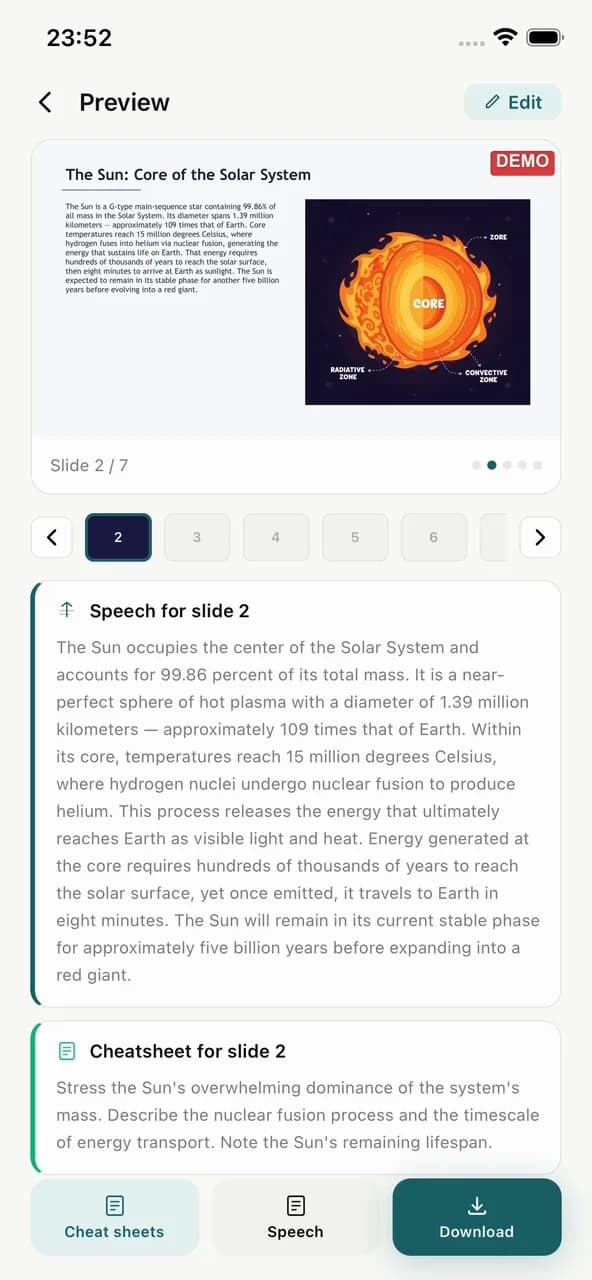
सबसे कठिन हिस्सा एक general topic को clear plan में बदलना है। Slidyx AI topic को meaningful blocks में बांटता है और slide-ready text लिखता है.
जैसे: IT marketing, solar system या thesis defense.
Slide count, language, template और image style.
File को PowerPoint, Keynote या Google Slides में इस्तेमाल करें.
जब presentation आज चाहिए, hours of formatting के बाद नहीं.
AI introduction, arguments, examples और conclusion भूलने नहीं देता.
Notes screen पढ़े बिना confident बोलने में मदद करते हैं.
हाँ। एक topic काफी है, लेकिन audience और goal जोड़ने से result बेहतर होता है.
हाँ। Slidyx हिंदी, अंग्रेजी, रूसी, कज़ाख, उज़्बेक, स्पेनिश, फ्रेंच और अन्य भाषाओं में generate कर सकता है.
हाँ। Finished presentation PPTX format में download होती है.
Slidyx AI डाउनलोड करें और manual slide building के बिना first draft पाएं.